Is your design readable for everyone?
About 1 in 12 men and 1 in 200 women have some form of colour-vision deficiency. Drop in a screenshot of your interface or a photo and check whether the important parts survive.
Loading the sample…
Vision condition
0% shows the full simulation; 100% shows the full original. Arrow keys, Home and End also work.
What this comparison means
Current setting—
What it can explain
Whether red, green or blue information in the same image stays distinguishable as the colour-vision model and severity change.
What it cannot explain
It cannot diagnose a colour-vision deficiency or predict how every person experiences colour.
Processed in this page
Your photo is not uploaded. A file is downloaded only when you ask for one.
The same scene through other eyes

Typical colour vision 
Protanopia 
Deuteranopia 
Tritanopia
Questions about this simulator
How accurate is this simulation?
It uses published colour transforms (Machado, Oliveira & Fernandes, 2009). Displays, room light and individual perception vary, so treat it as a design check rather than a diagnosis.
Is this a colour-vision test?
No. It does not screen for or diagnose colour-vision deficiency and cannot replace a validated test given by a qualified professional.
What is the difference between protanopia, deuteranopia and tritanopia?
Protanopia and deuteranopia both compress red–green differences, with protanopia also darkening reds. Tritanopia affects the blue–yellow axis and is much rarer.
What does the severity slider do?
It blends the transform from 0% to 100% so you can see whether information survives a gradual change. It is not a clinical severity score.
How do I fix a colour problem in my design?
Do not rely on hue alone. Add an icon, a pattern, a text label or a clear brightness difference, then check the same image again.
Other simulators


Want it live, through your camera?
The SightFrame app runs these simulations on your camera in real time — free on iPhone and iPad.
Live camera
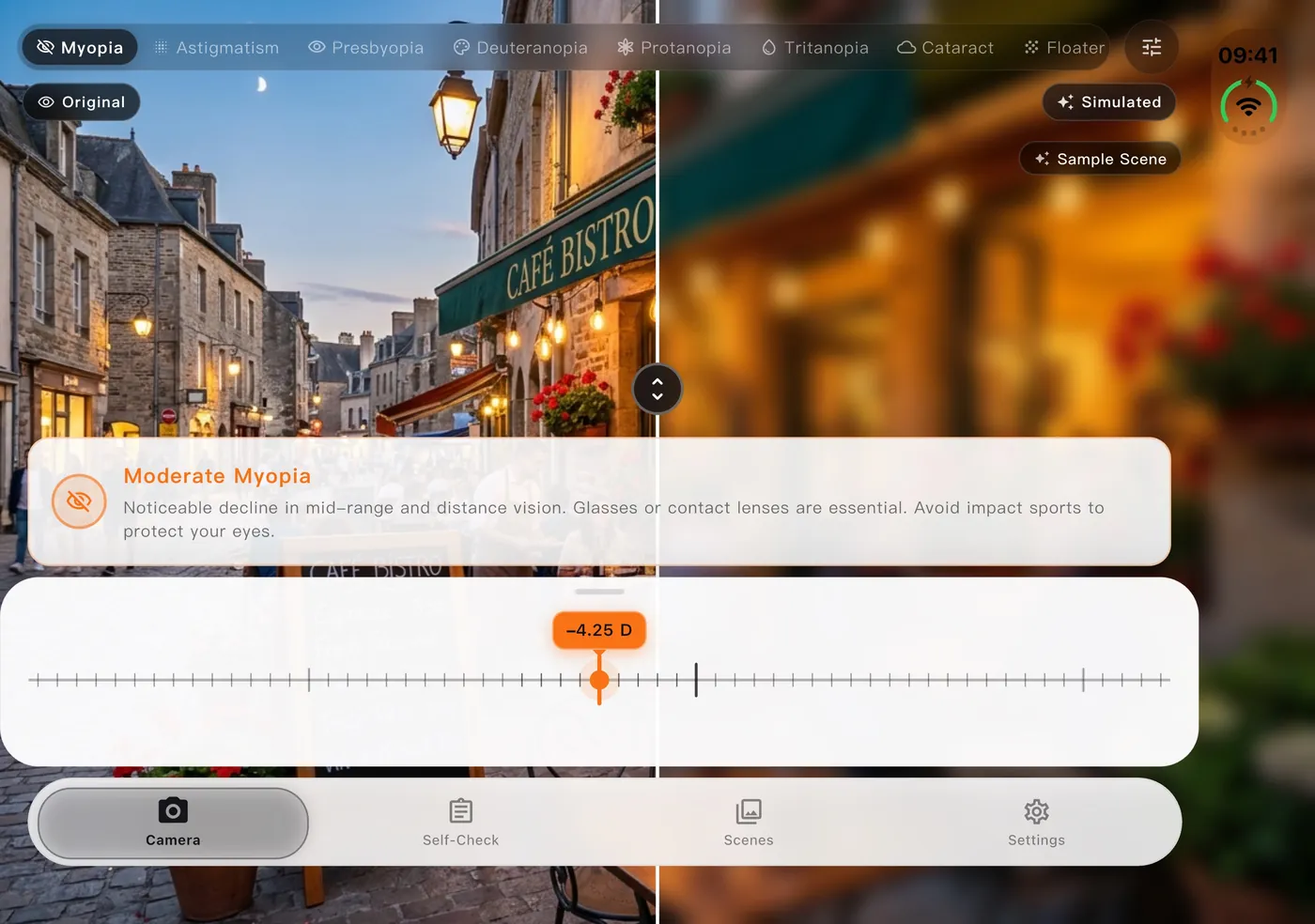
Point your camera and see myopia, astigmatism, presbyopia or a colour-vision difference in real time, with a split view.
Depth-aware scenes
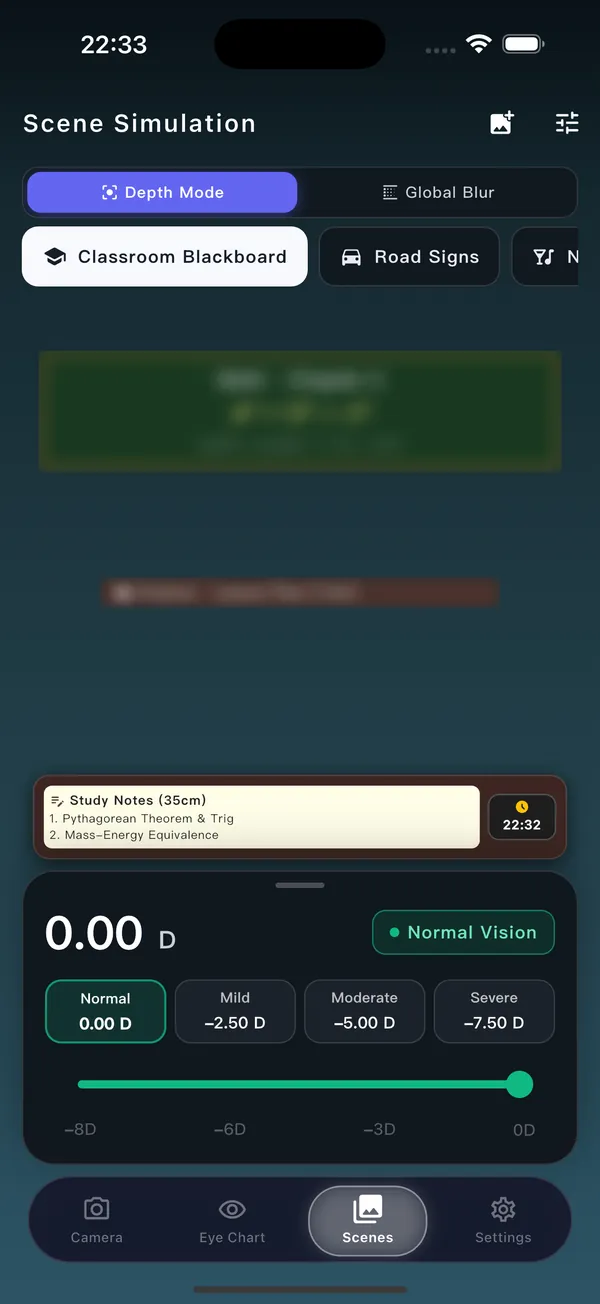
Shift focus across near, middle and far objects in classroom, road and night scenes.
Photos and templates
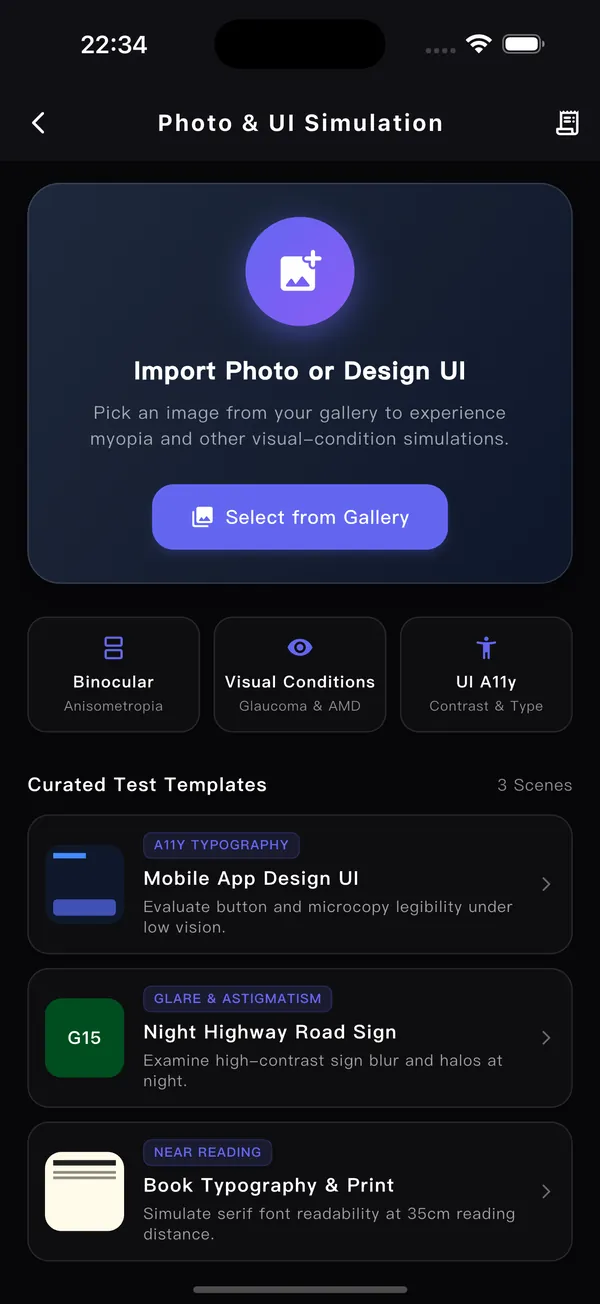
Import a photo, or start from templates such as a road sign at night or a page of print.
Eye-health reference tools
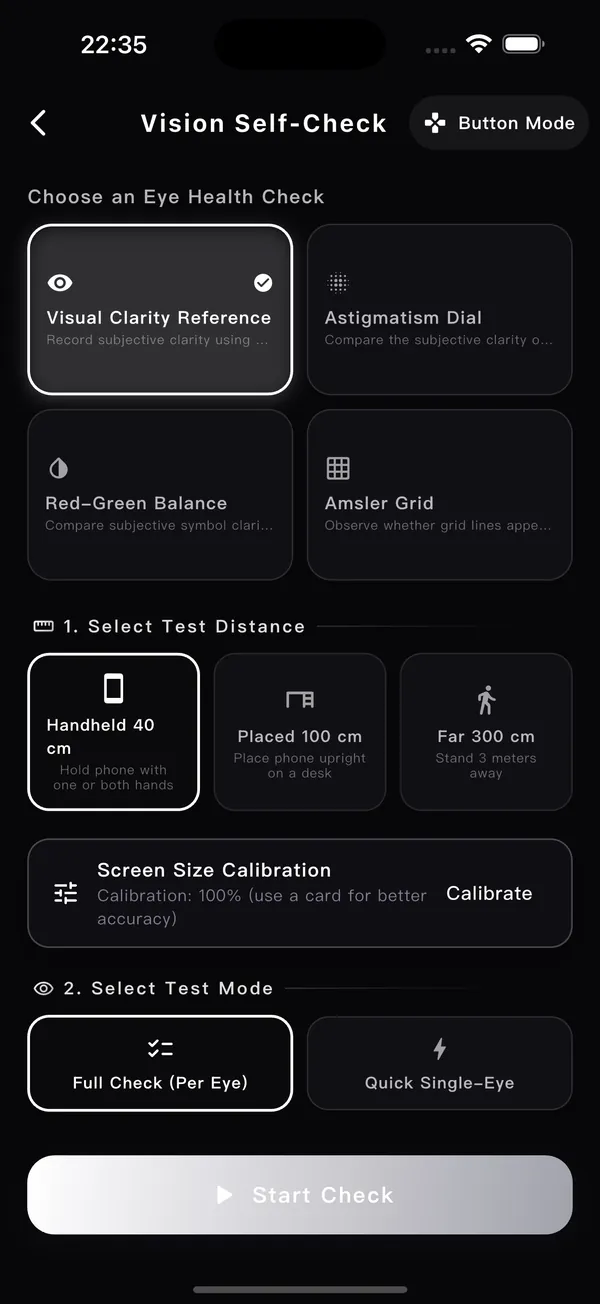
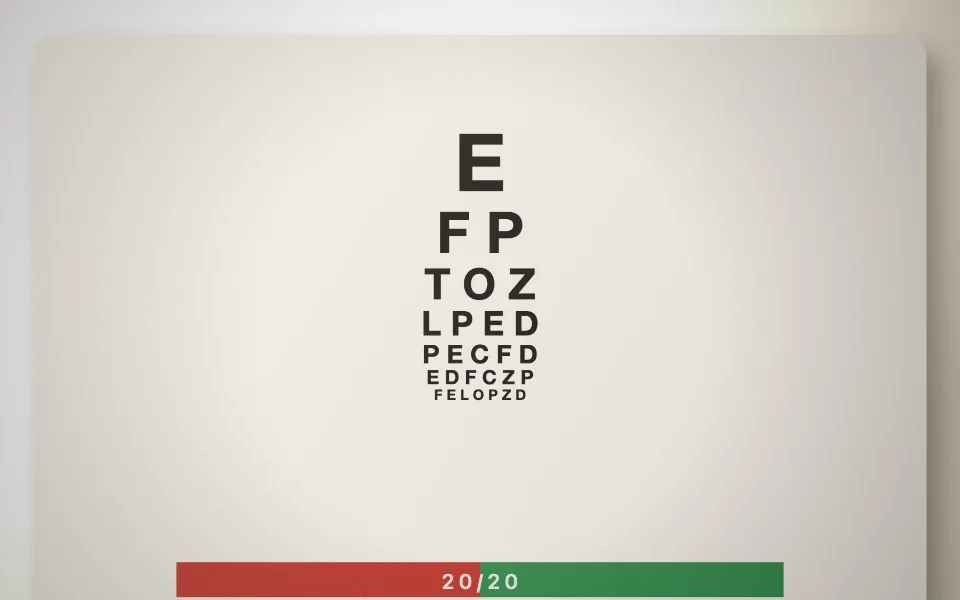
Directional E chart, astigmatism dial, red–green comparison and Amsler grid — for reference, not diagnosis.
Visual breaks
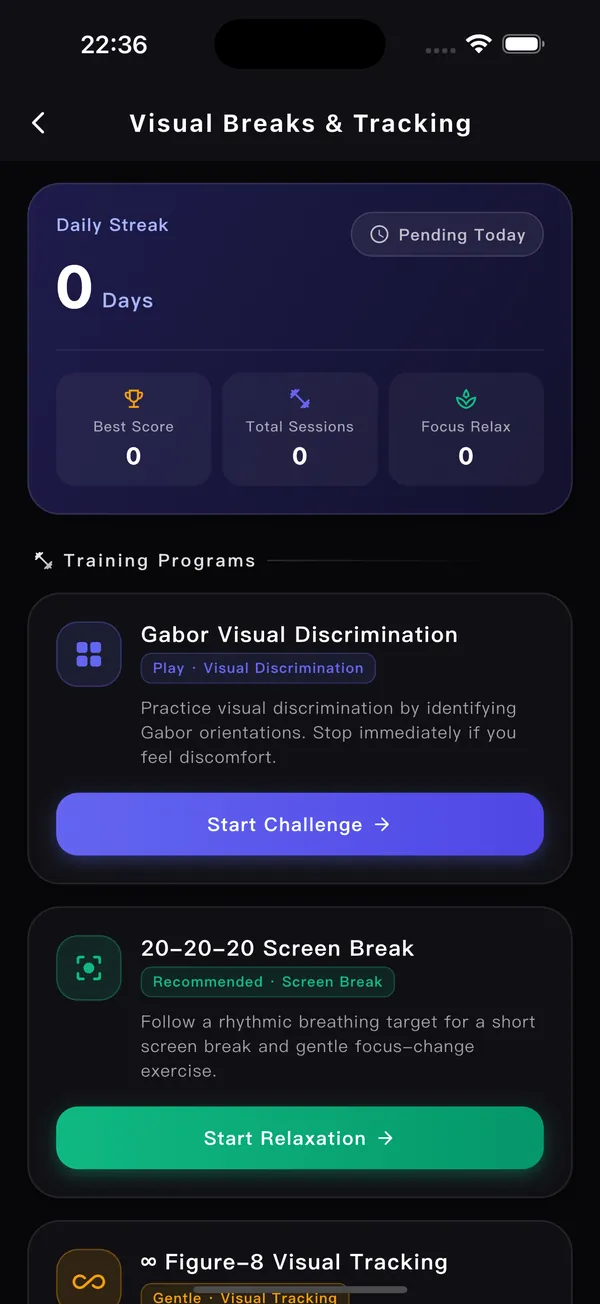
20-20-20 reminders, visual tracking and contrast-sensitivity exercises.
Family records
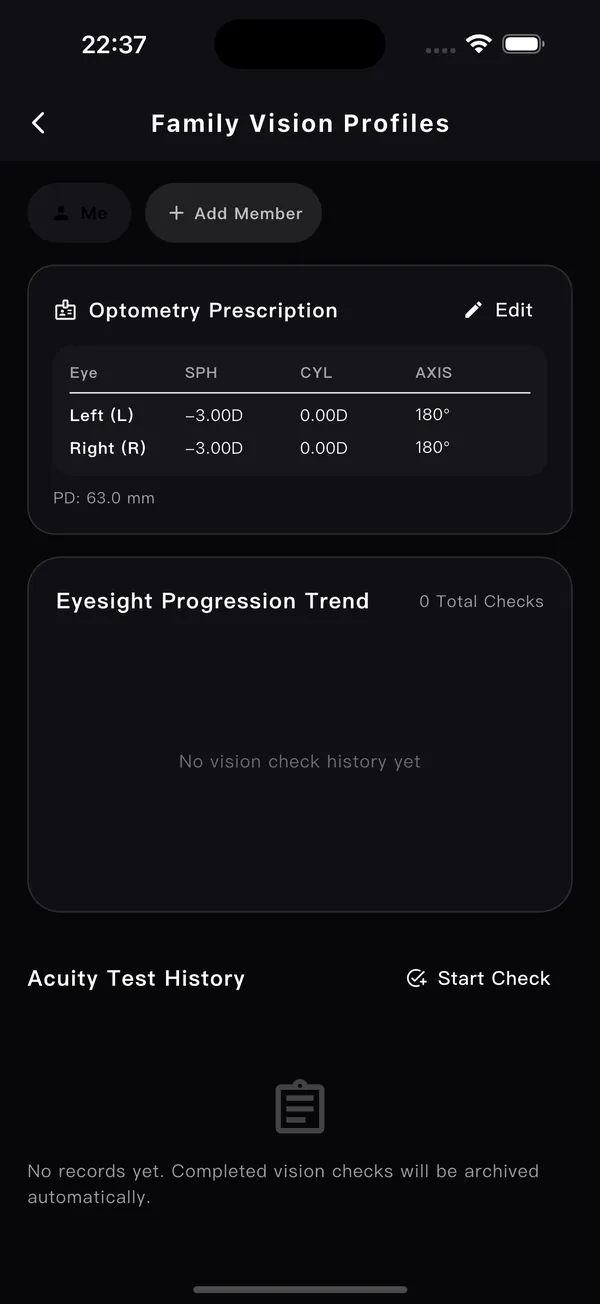
Keep vision changes and prescription details for each family member, stored only on the device.
Camera frames stay on the device. No ads, no cross-app tracking.